Find the right song for the ride.
Drive Mode helps you choose songs for the car: solo, with passengers, or as a group. It is safety-first song selection, not playback, lyrics, or driver scrolling.
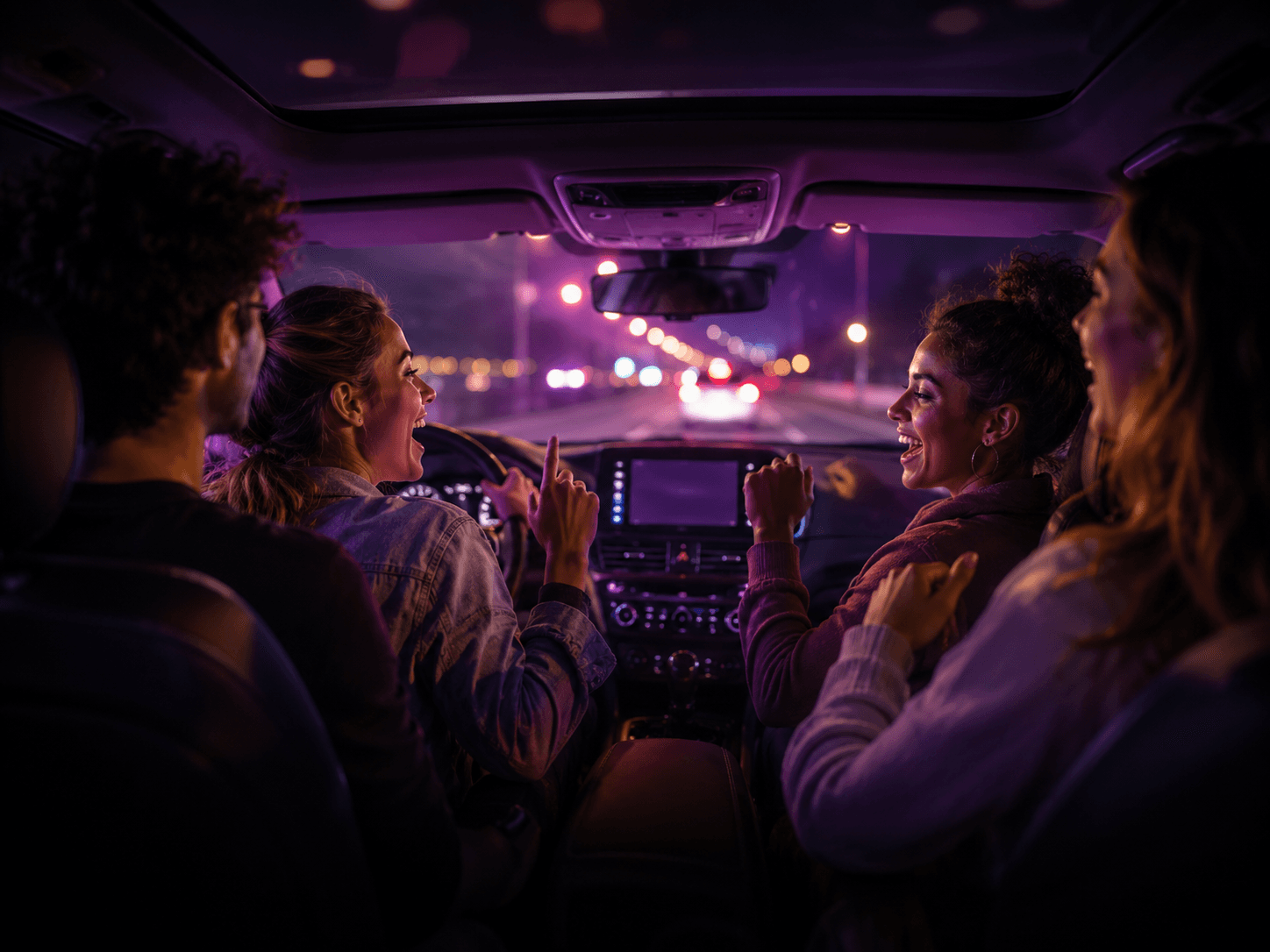
Familiar hooks, fewer panic choruses.
What is Drive Mode?
Drive Mode is HumMatch’s in-car song-fit experience. Instead of arguing over what to choose, each passenger can add a Vocal ID and HumMatch ranks singable ideas for the people in the car.
Passenger-first safety note
Drive Mode is passenger-first and driver-minimal. Drivers should set it up before driving or let passengers operate it. No scrolling lyrics while driving; passengers use their own phones.
Three Drive Mode paths
Solo Drive
Use your saved Vocal ID before the drive to find Best for You, Easy Win, and Low High-Note Risk picks.
Passenger Drive
A passenger controls the session from their own phone while the driver stays focused on the road.
Group Drive
Passengers join by QR and HumMatch finds Best for Group, Best Duet, and Crowd-Pleaser options.
Drive Mode: solo, passenger, or group.
Find the right song for the ride with a safety-first flow. Plan solo before you leave, let a passenger control the list during the ride, or invite the group from their own phones.
Use My Vocal ID
Use your saved Vocal ID to find example labels like Best for You, Easy Win, Low High-Note Risk, and Car Anthem before the drive.
Vocal WarmupAudio-guided warmup
Designed for warmups on the way to karaoke night: keep your eyes on the road, the voice guides you through the drills.
Volume tip: set it so you can hear both the song and yourself. If the track drowns your voice, you can't hear your own pitch.
Loading Drive Song of the Day...
Best for
Example preview labels
These are examples of labels Drive Mode may show after it has enough Vocal ID and catalog context.
Plan the car, then lead the room.
Drive Mode uses the same group-fit idea as SquadMatch: passengers add Vocal IDs, then HumMatch looks for car-friendly songs more people can sing. Squad Leader unlocks hosting, saving, and deeper group planning.
Drive, share, earn.
Start a Drive Mode session, share your QR code with passengers, and let riders create their own Vocal IDs. If they sign up or upgrade through your invite, driver referral attribution can stay attached.
Affiliate payout terms are handled through the HumMatch Affiliate Program. Drive Mode records referral intent without claiming automatic payouts where they are not configured.
Drive Mode FAQ
What is Drive Mode?
Drive Mode is HumMatch’s in-car song-fit experience for building singable song lists around the voices in the car.
Is Drive Mode a karaoke app?
Drive Mode is not a traditional karaoke app. It helps you choose songs that are more likely to fit your Vocal ID and the group moment.
Can passengers use Drive Mode?
Yes. Drive Mode is designed for passenger-first planning so the people riding together can shape the song list safely.
Does Drive Mode show lyrics?
No. HumMatch does not currently provide lyrics or backing tracks. It focuses on song fit, Vocal ID, and better picks.
Can Drive Mode make road-trip playlists?
Drive Mode helps build road-trip-ready song lists. Export and deeper playlist tools are part of the broader Squad Leader direction.
How does Drive Mode choose songs?
HumMatch looks at Vocal ID, likely range fit, song familiarity, difficulty, taste, and group-friendly signals.
Is Drive Mode included with Squad Leader?
Squad Leader is the best path for more group planning, saved squads, taste tuning, and longer drive-ready song lists.
Can I use Drive Mode before a karaoke night?
Yes. Drive Mode is useful for warming up the group before karaoke, a party, or a night out.